
Best eSIM Apps for Android in 2026
Finding the right eSIM apps for Android used to mean scrolling through dozens of half-baked Play Store listings, hoping the one you picked actually worked at your destination. That’s changed. In 2026, a handful of apps have pulled ahead with better coverage, cleaner interfaces, and pricing that makes sense for actual travelers. Whether you’re hopping between countries in Southeast Asia or need reliable data for a week in Paris, the right app makes the difference between smooth connectivity and frustrating dead zones.
This guide breaks down the six best eSIM apps available on Android right now. We tested each one across multiple countries, compared their pricing, checked activation speed, and noted every quirk worth knowing about. If you’ve been putting off switching from physical SIM cards, this is your signal to finally make the jump.
📺 Video Guide
What Makes a Good eSIM App for Android
Before diving into specific apps, it helps to know what separates a good eSIM app from a mediocre one. Android handles eSIM profiles differently than iOS, and some apps manage this transition better than others.
The GSMA, the industry body behind eSIM standards, reports that over 6 billion eSIM-capable devices will be active by the end of 2026. Android manufacturers including Samsung, Google, OnePlus, and Xiaomi now ship eSIM support on most mid-range and flagship devices. The Android EuiccManager API lets apps install eSIM profiles directly, which means you don’t always need to scan a QR code manually.
A solid eSIM app should offer transparent pricing (no hidden fees after checkout), fast activation (under five minutes), wide country coverage, and decent customer support. Bonus points if it lets you manage multiple profiles and switch between them without digging through settings menus.
✓ What to Look For
- ✓ Direct eSIM installation via the app (no manual QR code needed)
- ✓ Transparent pricing with no hidden activation or service fees
- ✓ Coverage in your specific destination countries
- ✓ In-app data usage tracking so you know when you’re running low
- ✓ Responsive customer support (live chat preferred over email-only)
Airalo: The Largest eSIM Marketplace
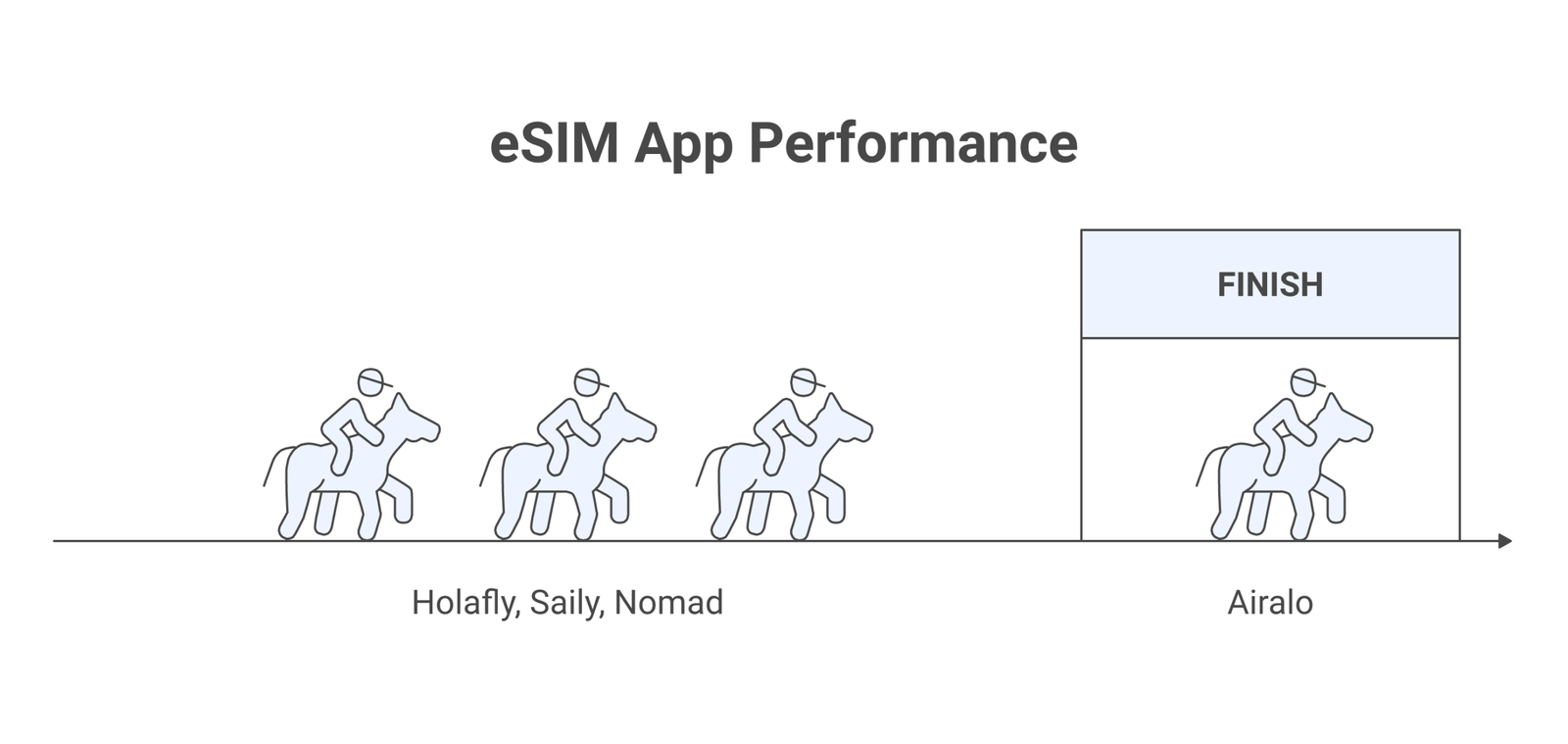
Airalo has been the default recommendation in the eSIM space for good reason. With plans covering 200+ countries and regions, it offers the widest selection you’ll find in a single app. Plans start at $4.50 for 1GB, and you can choose between local plans (single country), regional plans (covering areas like Europe or Asia), and global plans that work almost everywhere.
On Android, Airalo’s installation process is straightforward. After purchasing a plan, you tap “Install” and the app handles the eSIM profile setup through Android’s built-in eSIM framework. The whole process takes about two minutes. One thing we noticed: Airalo’s regional plans tend to offer better value per GB than their local plans for popular destinations like Italy or South Korea.
The app also includes a referral program that gives you credits toward future purchases, and their Airmoney loyalty points system adds up if you travel frequently. Customer support is available through in-app chat, though response times during peak travel season can stretch to a few hours.
Holafly: Best for Unlimited Data
If you don’t want to think about data caps at all, Holafly is your best bet. They offer unlimited data plans in 60+ countries with flat daily pricing. For heavy data users who stream video, make video calls, or use maps constantly while traveling, the peace of mind is worth the slightly higher cost compared to capped plans.
Holafly’s Android app activates the eSIM automatically after purchase. You pick your destination, select the number of days (5, 10, 15, 20, or 30), pay, and the eSIM installs itself. The catch: “unlimited” comes with a fair use policy, and speeds may drop after heavy usage in a single day. In our testing across Greece and Southeast Asia, we hit throttling only once after streaming about 8GB in a single day.
One downside: Holafly doesn’t support hotspot sharing on all plans, and they don’t offer local phone numbers. If you need to receive calls or SMS at a local number, you’ll want a different app. According to Trustpilot reviews, their customer support is generally well-rated, with 24/7 live chat available in multiple languages.
💡 Pro Tip
Buy your eSIM plan before you board your flight. Most apps let you purchase and install the profile while you’re still on Wi-Fi at home, so you’ll have data the moment you land and turn off airplane mode.
Saily: Clean Design, Competitive Pricing
Saily is the newer entrant in this list, built by the team behind NordVPN. That pedigree shows in the app’s polish. The interface is clean, the purchase flow is fast, and they’ve clearly invested in making the Android experience feel native rather than like a web wrapper.
Saily covers 150+ destinations with plans that tend to undercut Airalo by 10-15% on popular routes. For a 5GB plan in Europe, you’re looking at roughly $8-12 depending on duration. They also offer auto-renewal for longer trips, so you don’t suddenly lose data mid-vacation. The app includes real-time data tracking with push notifications when you’re approaching your limit.
Because Saily is backed by Nord Security, there’s also a built-in emphasis on privacy. Your browsing data isn’t monetized, and the company’s infrastructure inherits Nord’s security standards. For privacy-conscious travelers who don’t want their connectivity provider tracking their habits, that’s a meaningful differentiator.
Nomad: Pay Only for What You Use
Nomad takes a different approach from most eSIM providers. Instead of fixed plans that expire after a set period, Nomad offers data that doesn’t expire. Buy 3GB for Japan, use 1GB on this trip, and the remaining 2GB will be waiting for you next time. For frequent travelers who visit the same countries repeatedly, this flexibility saves real money over time.
The Android app lets you hold multiple eSIM profiles simultaneously and switch between them from the app’s dashboard. Coverage spans 100+ countries, with particularly strong performance in Asian markets. Nomad partners directly with local carriers rather than using MVNOs, which typically means better speeds and more consistent coverage, as noted by the FCC’s guide on wireless connections for travelers.
Pricing is mid-range. You’ll pay more per GB than Airalo’s cheapest plans, but the no-expiry model means less wasted data. If you’ve ever bought a 10GB plan and only used 3GB before your trip ended, Nomad solves that problem. Their business traveler features include expense-friendly receipts and team management options.
eSIM.me: For Phones Without Built-in eSIM
eSIM.me fills a unique gap. If your Android phone doesn’t have eSIM hardware built in, this service provides a physical SIM-sized card that you slot into your phone’s SIM tray. The card then acts as an eSIM adapter, letting you install and manage eSIM profiles on devices that otherwise wouldn’t support them.
This is particularly useful for budget Android phones or older flagship models that predate eSIM adoption. The adapter card costs around $30-50 depending on the model, and it works with any eSIM provider’s QR codes. You manage profiles through the eSIM.me Android app, which handles installation, switching, and deletion.
The trade-off is that you’re using your physical SIM slot for the adapter, which means you can’t run a traditional SIM alongside it. For travelers who want to keep their home number active on a physical SIM while using eSIM for data abroad, this won’t work. But for those whose only barrier to eSIM was hardware compatibility, eSIM.me is a clever workaround. You can check if your phone supports eSIM natively using our complete device compatibility list.
📝 Important Note
Not all Android phones support eSIM. Before purchasing any plan, check your device’s compatibility. Go to Settings > About Phone > EID. If you see an EID number, your phone supports eSIM. No EID means you’ll need a solution like eSIM.me’s adapter card.
Ubigi: Reliable Speeds with Carrier Partnerships
Ubigi (owned by Transatel, a subsidiary of NTT Communications) is the pick for travelers who prioritize connection quality over rock-bottom pricing. Their carrier partnerships across 190+ countries mean you’re often connecting to Tier 1 networks rather than budget MVNOs. The speed difference is noticeable, especially in congested urban areas.
Ubigi’s Android app supports auto-connect, meaning when you arrive in a new country, it automatically selects and connects to the best available network. Plans range from day passes (useful for layovers) to monthly packages. They also offer a “Global Pass” that works across their entire network, which is handy for multi-country trips.
The app integrates with Windows and laptop eSIM systems too, so if you carry a cellular-enabled laptop or tablet, Ubigi can manage both profiles. Pricing sits in the mid-to-premium range, and the value proposition depends on how much you care about consistent download speeds versus saving a few dollars.
How to Install an eSIM on Android
The installation process varies slightly between Android manufacturers, but the general flow is the same. According to Google’s support documentation, here’s how it works on most Android devices running Android 12 or later:
Step 1: Open your chosen eSIM app and purchase a plan for your destination.
Step 2: Tap “Install” or “Activate” within the app. Most apps in 2026 handle the installation automatically through the Android eSIM API.
Step 3: If prompted, confirm the installation in your phone’s Settings. On Samsung devices, this appears under Settings > Connections > SIM Manager. On Pixel phones, it’s Settings > Network & Internet > SIMs.
Step 4: Set the eSIM as your data line. Keep your physical SIM active for calls and texts on your home number.
The entire process takes under five minutes on a stable Wi-Fi connection. Some apps also support transferring eSIM profiles between phones, which is useful when upgrading devices.
✓ Android Devices with eSIM Support in 2026
- ✓ Google Pixel 3 and newer (including Pixel 9 Pro, Pixel Fold)
- ✓ Samsung Galaxy S20 and newer (including S26 series, Z Fold/Flip)
- ✓ OnePlus 12, 13, and Open
- ✓ Xiaomi 14 and 15 series
- ✓ Motorola Razr series and Edge 50+
Pricing Comparison: Which App Gives You the Best Deal
Pricing varies wildly between apps and destinations. Here’s a rough comparison for a 5GB, 7-day plan to France as of March 2026:
Airalo: ~$8.00 (local plan) | Holafly: ~$27.00 (unlimited, 7 days) | Saily: ~$7.50 | Nomad: ~$11.00 (no expiry) | Ubigi: ~$16.00
The cheapest per-GB option is usually Airalo or Saily for capped plans. If you want unlimited data, Holafly is the only real option. And if you value data that doesn’t expire, Nomad’s premium is worth considering. The ITU tracks global broadband pricing trends and confirms that eSIM data costs have dropped roughly 20% year-over-year since 2024.
Keep in mind that regional and global plans are often cheaper per-GB than single-country plans if you’re visiting multiple destinations. Check our guide on eSIM vs roaming costs for a detailed breakdown of how much you could save compared to carrier roaming charges.
Common Issues and How to Fix Them
Even with the best apps, you might run into a few hiccups. Here are the most common Android-specific issues and their fixes:
eSIM won’t install: Make sure your phone isn’t carrier-locked. Some carriers restrict eSIM installation on locked devices. Contact your carrier to confirm your device is unlocked. The FCC provides guidance on your unlocking rights.
No data after activation: Go to Settings > Network & Internet > SIMs, select your eSIM, and make sure “Mobile data” is toggled on for that line. Also verify that data roaming is enabled if you’re abroad.
Slow speeds: Try manually selecting a different network operator. Go to Settings > Network & Internet > SIMs > your eSIM > Network operators, and switch from automatic to a specific carrier. Sometimes the auto-selected network isn’t the fastest option.
For a comprehensive troubleshooting walkthrough, check our dedicated eSIM troubleshooting guide.
⚠️ Disclaimer
Pricing and feature availability mentioned in this article are based on information available as of March 2026. eSIM providers frequently update their plans, coverage maps, and pricing. Always verify current details on the provider’s official app or website before purchasing.
Frequently Asked Questions
Airalo offers the widest coverage with 200+ countries and regions. Ubigi comes second with 190+ countries and typically faster speeds due to their Tier 1 carrier partnerships.
Can I use an eSIM and a physical SIM at the same time on Android?Yes. Most modern Android phones support dual SIM (one physical + one eSIM). You can keep your regular SIM for calls and texts while using the eSIM for data abroad. Some newer phones like the Pixel 9 Pro even support two active eSIM profiles simultaneously.
What’s the cheapest eSIM app for Android?For capped data plans, Saily and Airalo consistently offer the lowest per-GB pricing. Saily tends to be 10-15% cheaper on popular European and Asian routes. For unlimited data, Holafly is the only major option.
Do I need to root my Android phone to use an eSIM app?No. All the apps listed here work on standard, unrooted Android devices with eSIM hardware. The only requirement is that your phone has built-in eSIM support and is carrier-unlocked.
How many eSIM profiles can I store on my Android phone?Most Android phones can store between 5 and 8 eSIM profiles, though only one or two can be active at any time. Samsung Galaxy phones typically support up to 5 stored profiles, while Google Pixel devices allow up to 8.
Will an eSIM drain my Android phone’s battery faster?Running dual SIM (physical + eSIM) uses slightly more battery than a single SIM setup, roughly 3-5% more per day in our testing. The difference is negligible for most users and comparable to having Bluetooth enabled.